
Part 1 of 9, Settings
Managing users and roles
Under Settings > Users you manage who has access to your Clubwise environment, and with which role.
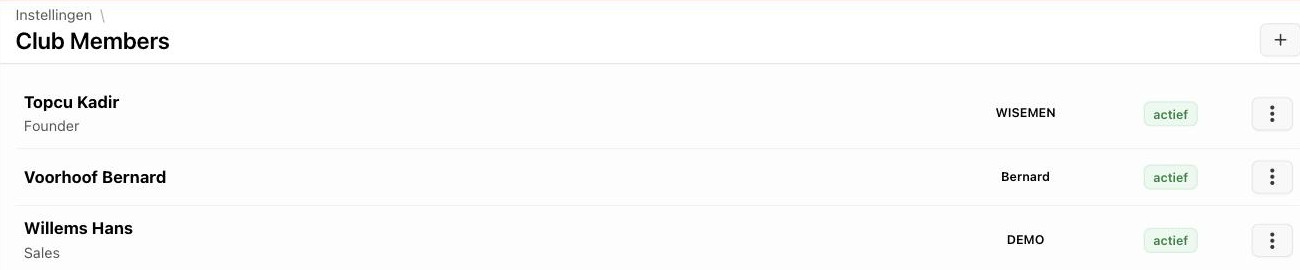
Every user is assigned a role, which determines which modules and actions are available (e.g. a box office employee has no access to invoicing settings).

Tip: Create a separate role per job (e.g. “Box office” for desk staff) instead of giving everyone Administrator rights — that way access to sensitive data (invoicing, contracts) stays limited to those who need it.
Did this answer your question?
Thanks for your feedback!