
Manual / Events & ticketing / Basic settings of an event
Part 2 of 9, Events and ticketing
Basic settings of an event
Under Settings you choose whether the event is public, whether visitors must register, whether tickets/scanner are involved, the maximum number of attendees and whether the event is also accessible with a season ticket.
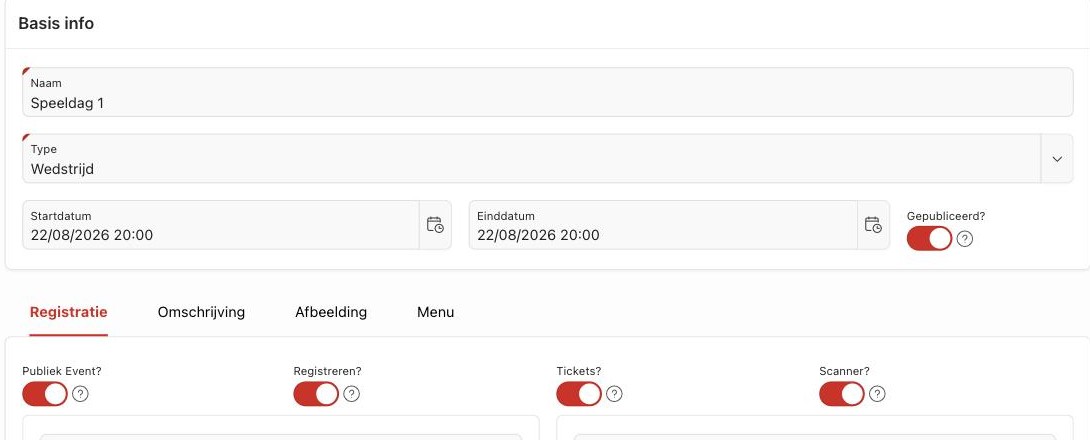
- Public event? — determines whether the event is visible in the ticket shop/Ticket App.
- Registration? — enables a free registration form (without ticket sales).
- Tickets? / Scanner? — links ticket sales and access control to this event.
- Season ticket valid? — automatically admits holders of a selected season ticket.
Tip: Tickets based on a seating plan (e.g. "Stadium (plan)") can also be sold at the desk with the Box office, on the same seating plan — see Box office.
Did this answer your question?
Thanks for your feedback!