
Part 10 of 12, Contacts
Sending a mail from a contact
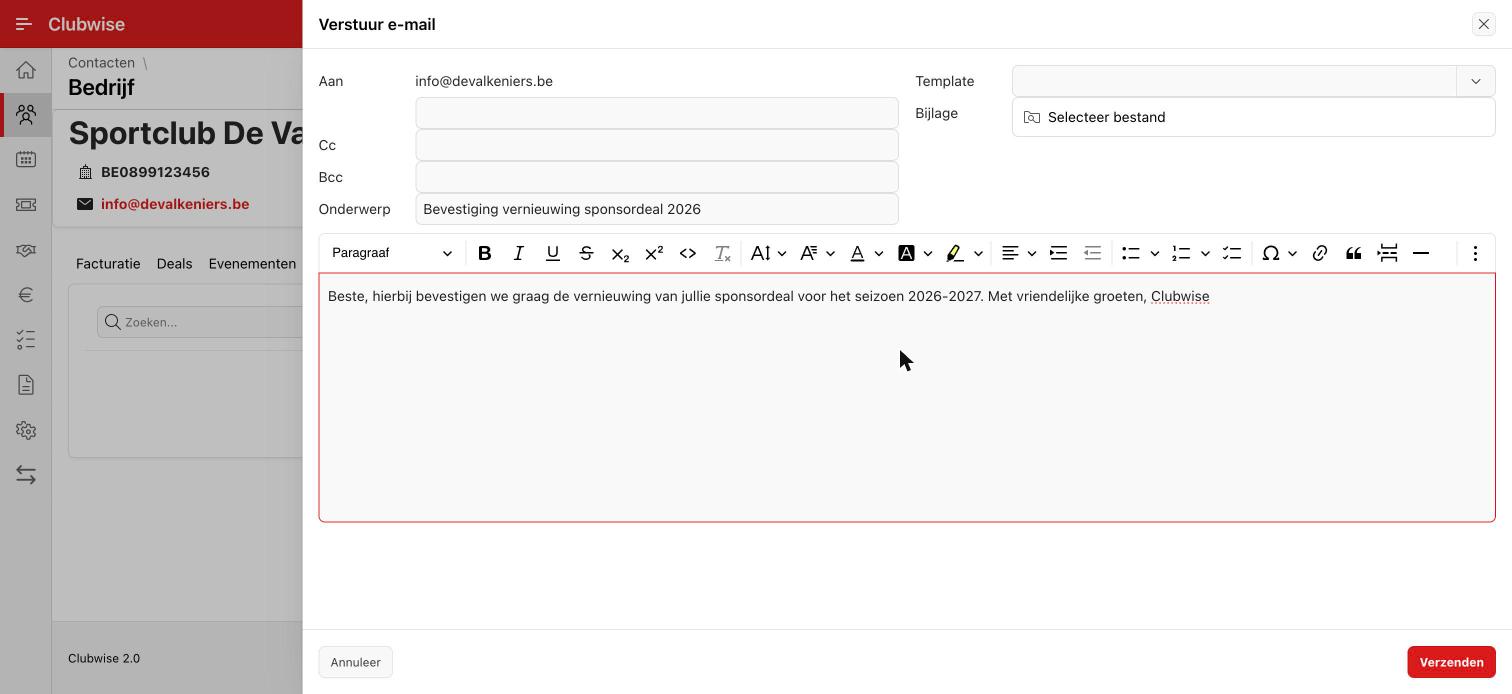
Choose “Send mail” in the ⋮ menu to send an e-mail straight from the contact file. The “To” field is filled in automatically with the contact's e-mail address; you can choose a template, add an attachment and format the content with the built-in editor.
Did this answer your question?
Thanks for your feedback!