
Part 9 of 12, Contacts
Viewing sent mails and mail history
The tab Mails shows all e-mails sent from Clubwise to this contact, with subject, sender and time of sending.
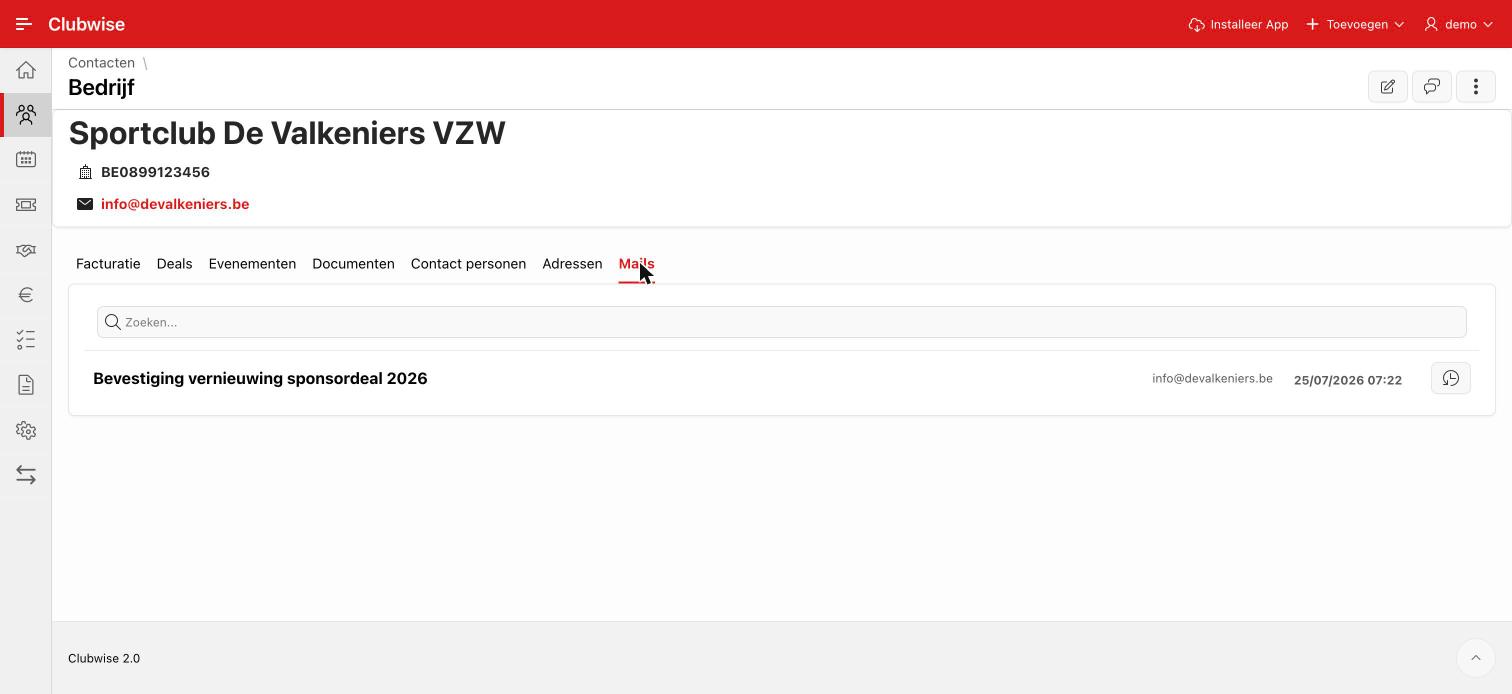
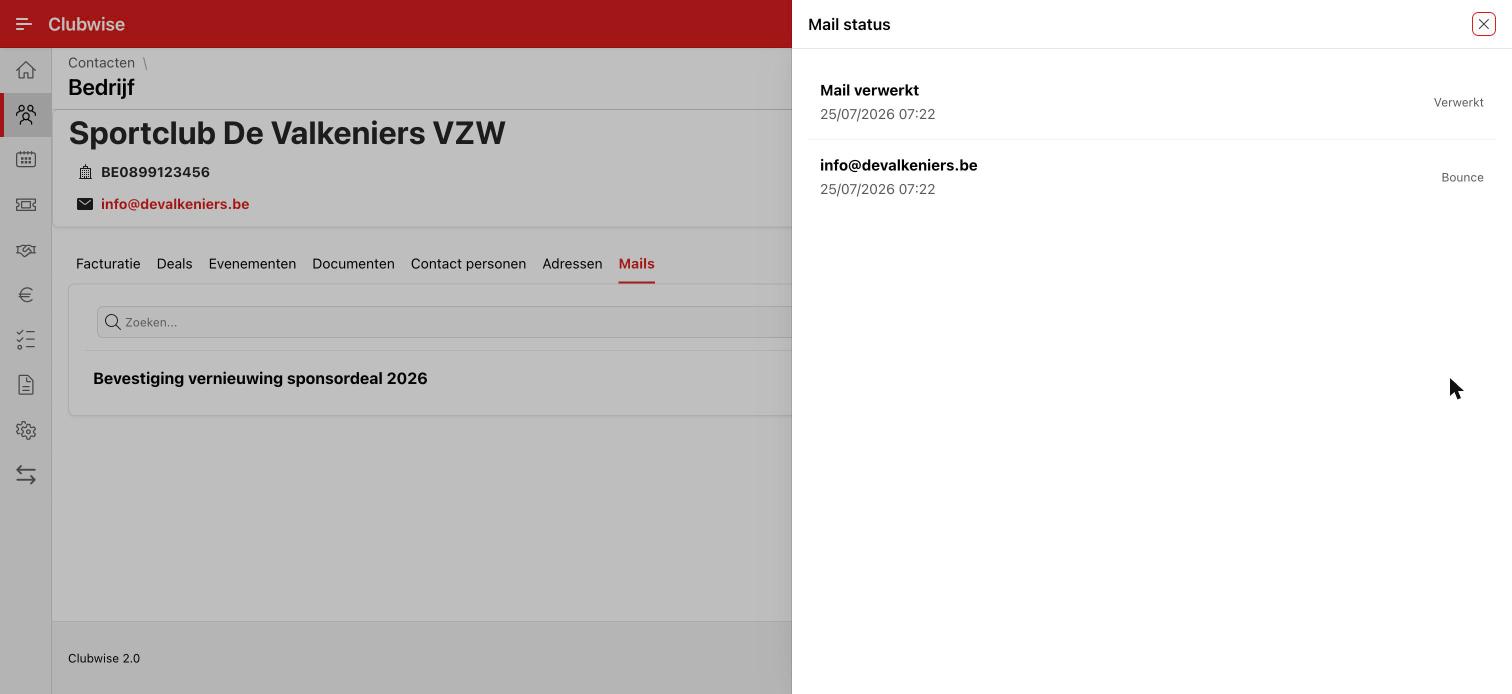
Click the clock/history icon next to a mail for the delivery status: whether the mail was processed and actually delivered to the recipient, or whether it bounced, for example.
Did this answer your question?
Thanks for your feedback!