
Part 12 of 12, Contacts
Creating an invoice from a contact
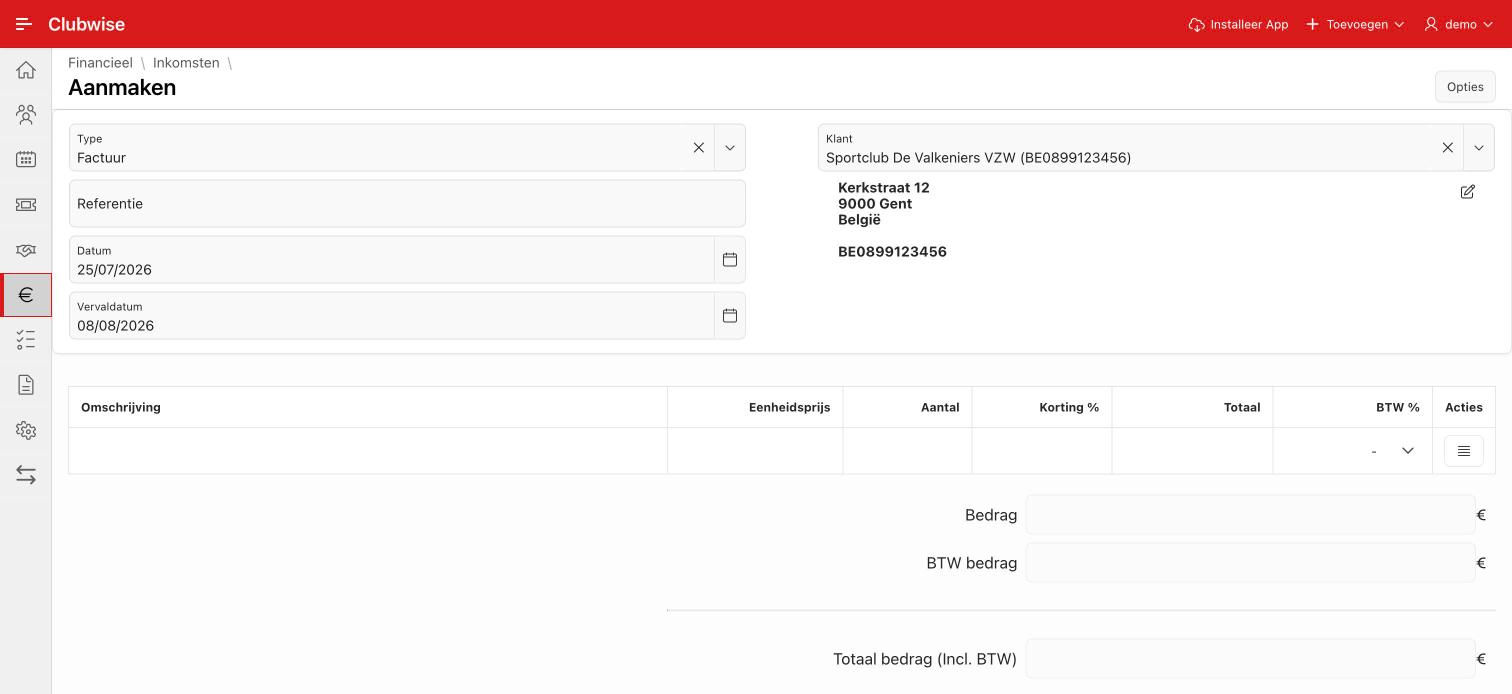
Choose “Create invoice” in the ⋮ menu to start a sales invoice for this contact. Customer, address and VAT number are taken over automatically — you only add the invoice lines.
Tip: This is one of three ways to create an invoice. The full comparison (via the button at the top, via a contact, via a deal) can be found in Creating an invoice: three ways.
Did this answer your question?
Thanks for your feedback!