
Creating an invoice: three ways
In Clubwise you can start a sales invoice in three places. All three lead to the same invoice form — the difference is in what is already filled in automatically, and therefore in how fast and error-free it goes.
| Way 1: Button at the top | Way 2: Via a contact | Way 3: Via a deal | |
|---|---|---|---|
| Where | “Add” at the top right → Invoice | Company/person → Invoicing tab or ⋮ menu → Create invoice | Deal → ⋮ menu → Create invoice |
| Customer | Look up and select yourself | Already filled in (the contact itself) | Already filled in (customer of the deal) |
| Address/VAT | Fill in yourself | Taken over automatically | Taken over automatically |
| Invoice lines | Fully manual | Manual | Taken over automatically from the deal agreement (package + amount) |
| Speed | Slowest | Faster | Fastest — least chance of mistakes |
| Best for | Single / one-off invoices without an existing file | Extra or additional invoicing for an existing customer | Sponsorship/partner invoices that are already in a deal |
Way 1 — via the “Add” button at the top
Works everywhere in the application. You choose “Invoice” yourself, and then have to look up the customer yourself — the form starts completely empty.

Way 2 — via a contact
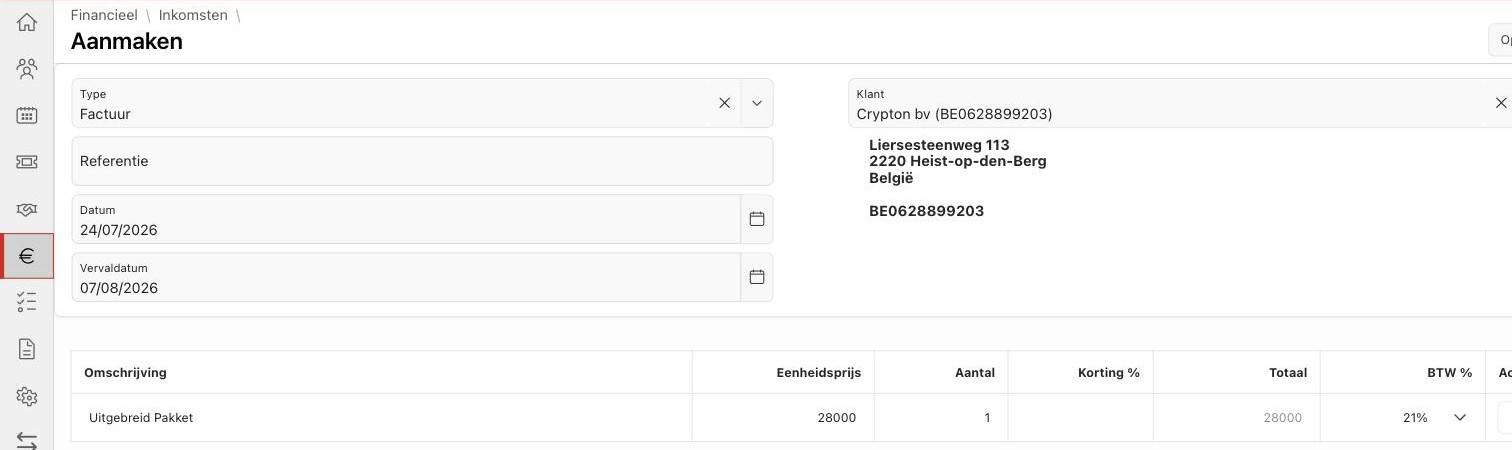
Go to the file of the company or the person and choose “Create invoice” in the ⋮ menu (or the Invoicing tab). The customer and the address are then already filled in.

Way 3 — via a deal
Go to the deal and choose “Create invoice” in the ⋮ menu. Besides the customer, the invoice line is immediately filled in with the package and amount from the deal agreement — the fastest and safest route for sponsor invoicing.
Did this answer your question?