
Part 7 of 7, Deals
Filtering deals
At the top of the deal overview you choose with the tabs Current, Future and History which deals you see. Below that you search with the search bar and Search, or filter via Actions → Filter on any column: contact, type, period, owner, status, amounts and more.
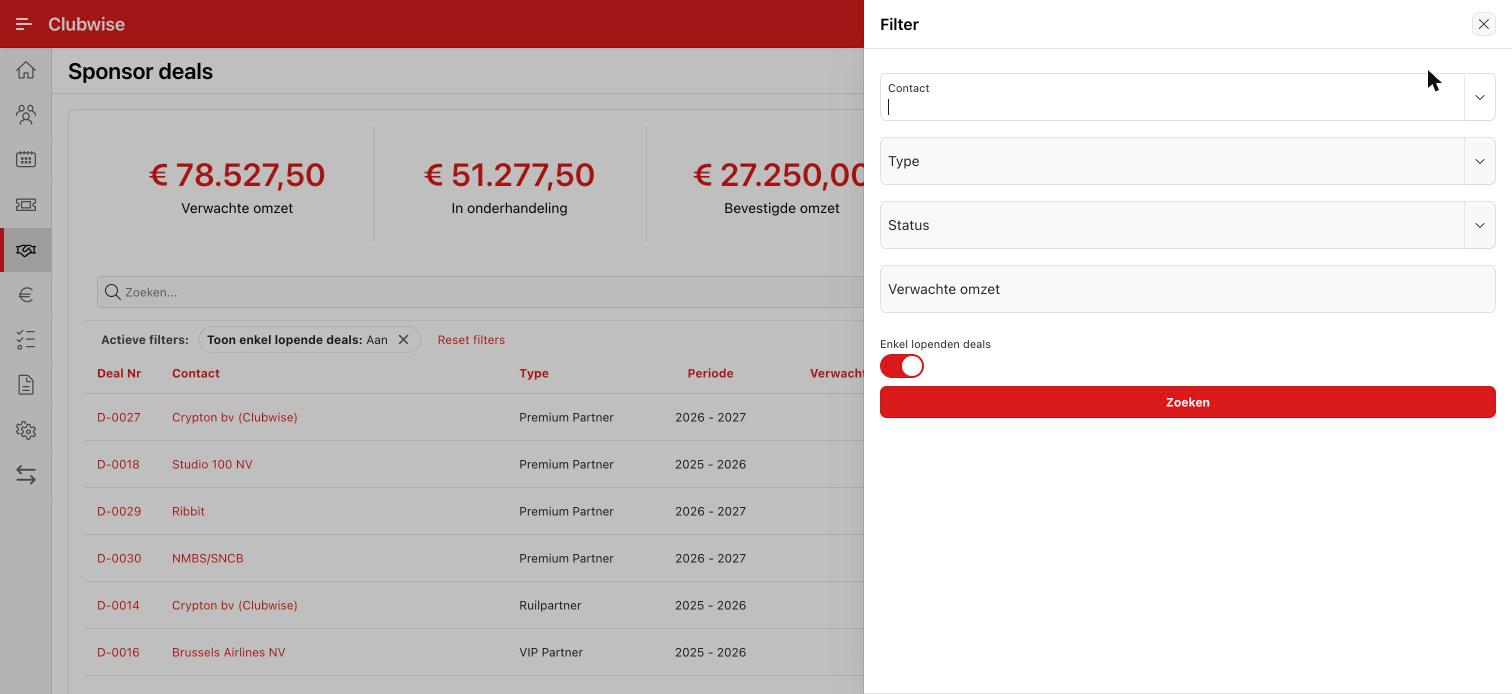
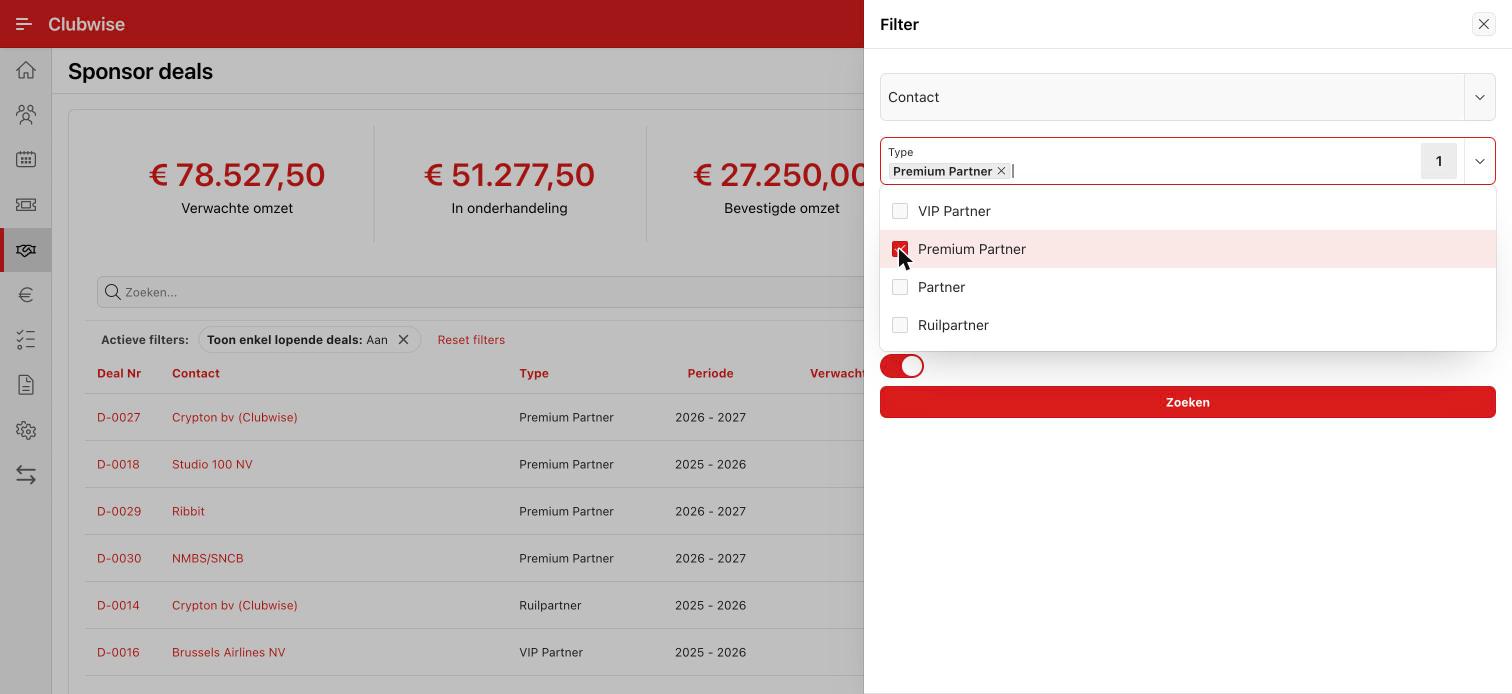
Choose a column, a condition and a value, e.g. Type = Sponsoring, and click Apply.
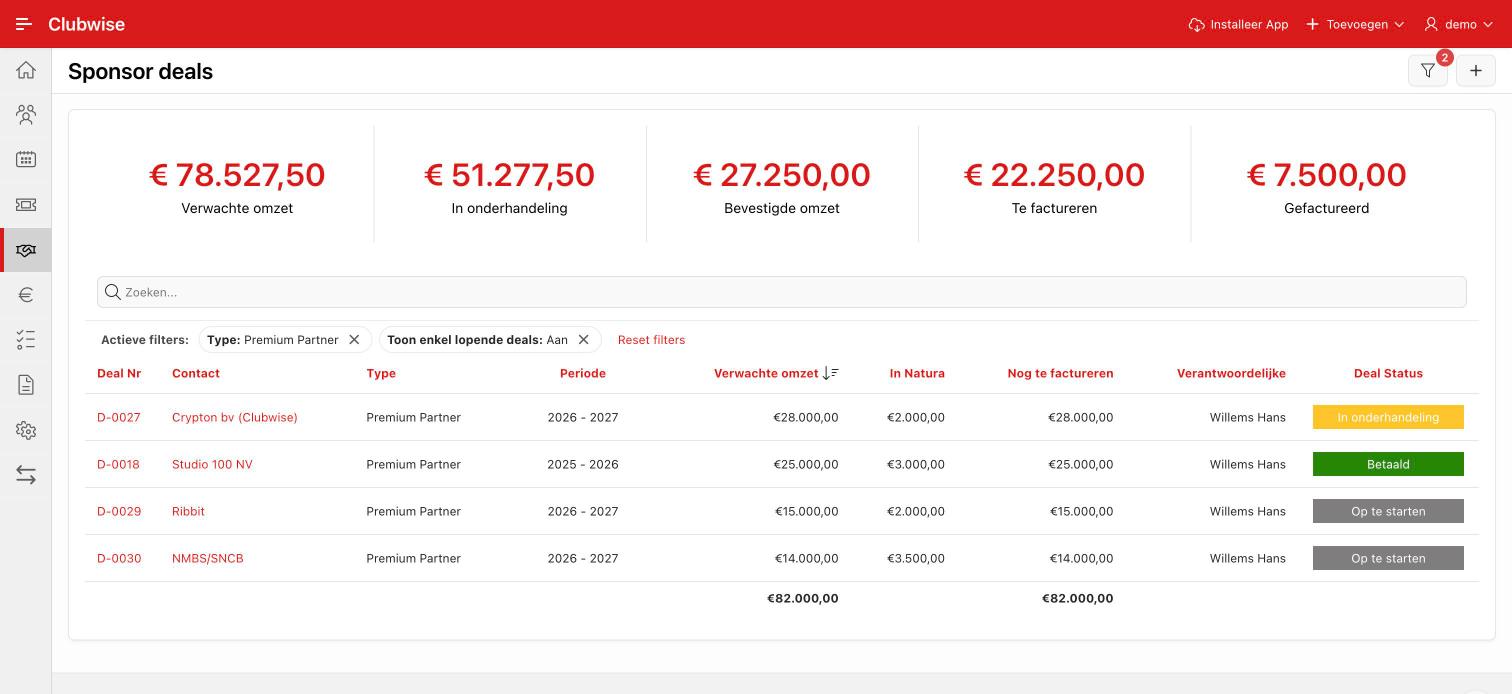
The filter is then shown as a line above the report. The tick switches it off temporarily, the cross removes it.
Tip: Via Actions you can also show or hide columns, group or download the list. More in Using filters.
Did this answer your question?
Thanks for your feedback!