
Part 3 of 7, Deals
Adding an agreement to a deal
A agreement within a deal describes a concrete consideration — e.g. a mention, a stand at an event or free tickets for a sponsor, or a delivery date for a supplier. Choose “Add agreement” in the ⋮ menu or go to the tab Agreements.
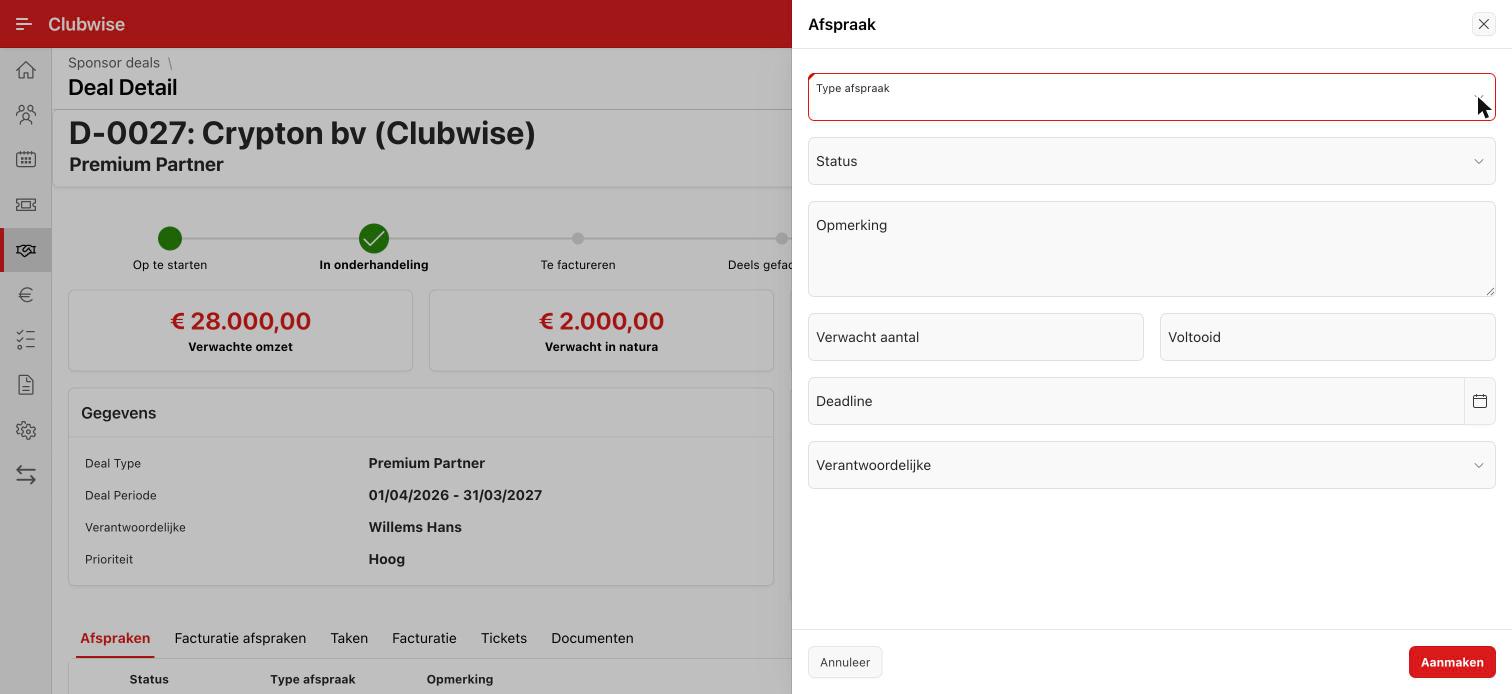
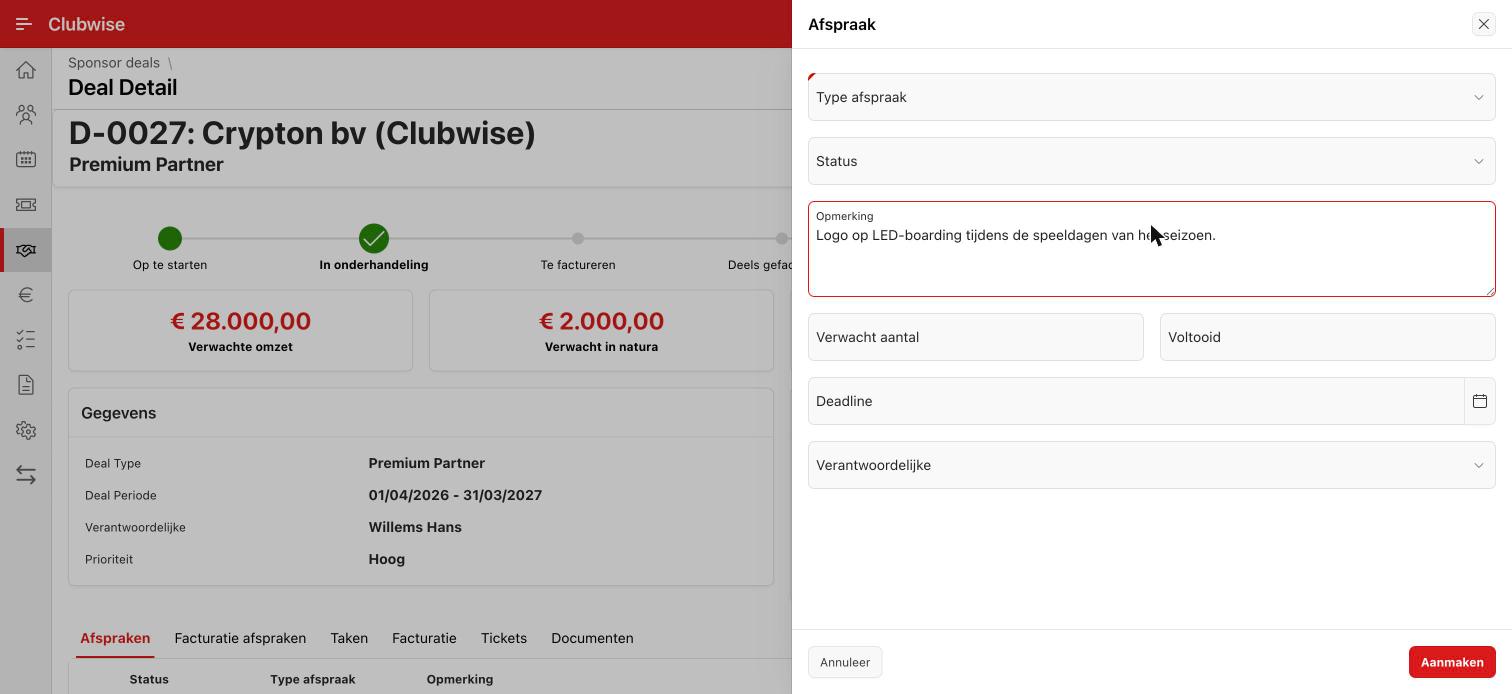
Fill in the type of agreement, a short comment and optionally an expected quantity and deadline.
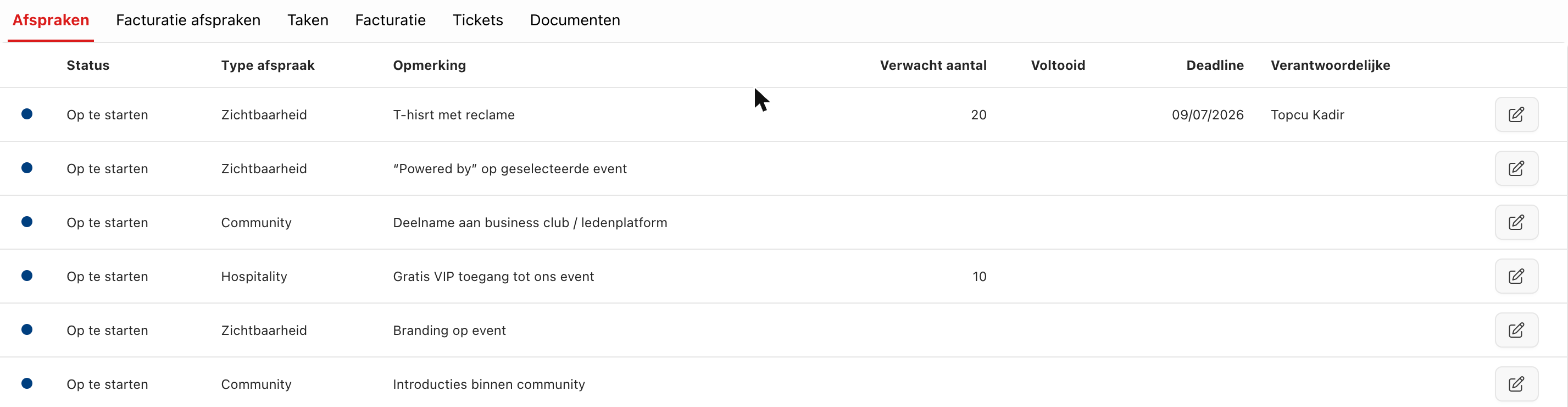
All agreements of a deal appear together in the Agreements tab, with their status, expected quantity and owner.
← Previous articleAt the top right of a deal: the ⋮ menuNext article →Invoicing agreements and automatic invoicing
Did this answer your question?
Thanks for your feedback!