
Manual / Getting started / The dashboard (Home)
Part 2 of 8, Getting started
The dashboard (Home)
The Home page is your starting point when you sign in. The “Needs attention” widget immediately shows what requires action: overdue invoices, new expenses, deals that expire soon, overdue tasks, …
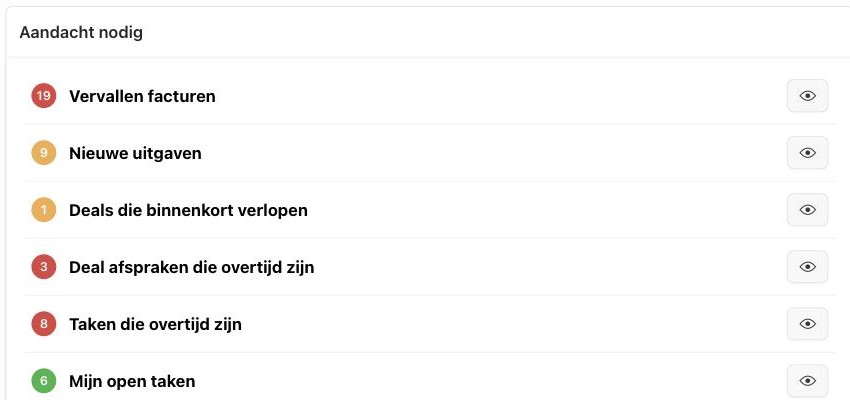
Click the eye icon next to a line to jump straight to the corresponding list — so you don't have to search where that overdue invoice or open task is.
Overdue invoices opens the list of all overdue invoices that are still outstanding. From there you send a reminder in one go. See Payment reminders for outstanding invoices.
Did this answer your question?
Thanks for your feedback!