
Manual / Getting started / Using notes
Part 8 of 8, Getting started
Using notes
In almost every part of Clubwise — contacts, deals, events, invoices and more — you find at the top right a note icon. With it you quickly record something that doesn't fit in a separate field: a phone call, an appointment, a particular detail about a customer or deal.
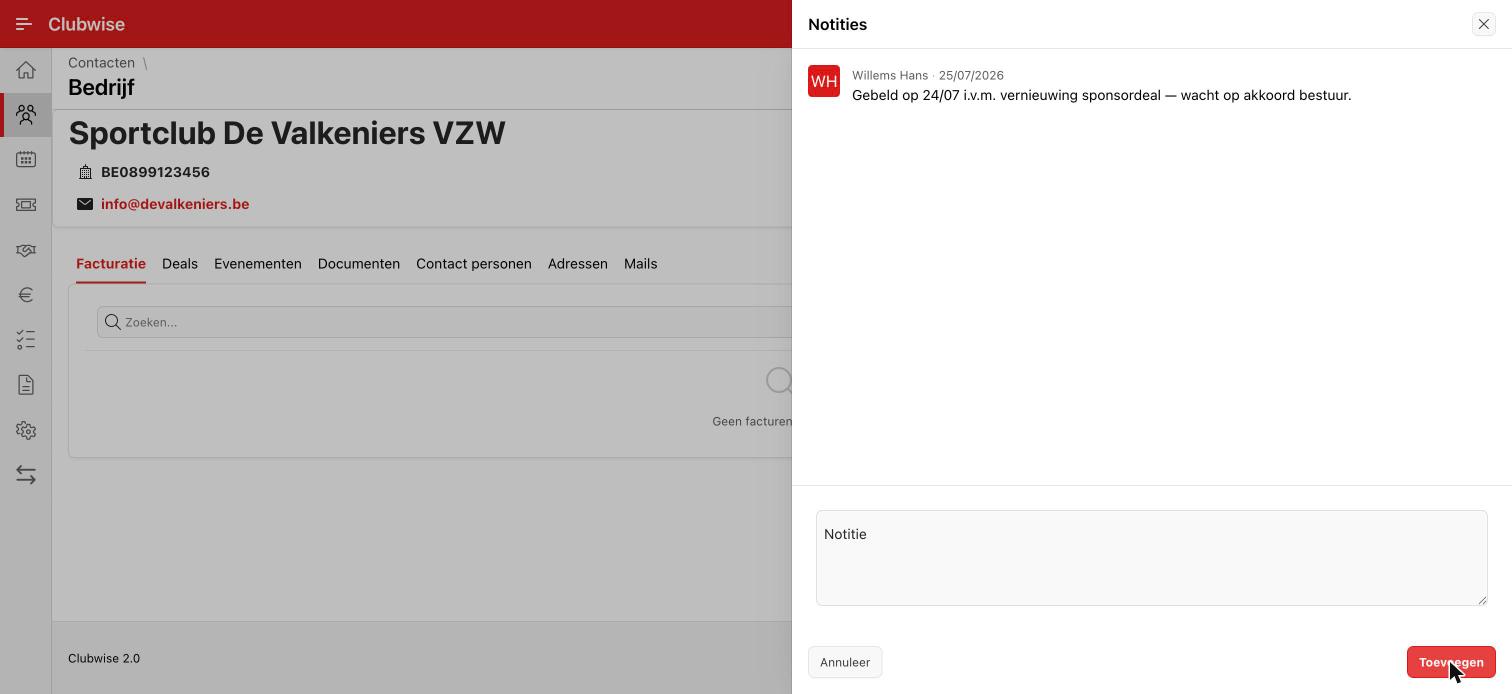
Click the note icon to open the overview of that record. New notes appear at the top of the list, each automatically with the author's name and the time — you don't have to keep track of that yourself.
Tip: The note icon and the way of working are identical everywhere. Once you have used it in one part (e.g. for a contact or a deal), you know it everywhere in Clubwise.
Did this answer your question?
Thanks for your feedback!