
Account and security in the Ticket App
Confirming your e-mail address
When you create a new account, you receive a mail Confirm your e-mail address. Click the button in that mail. Until you confirm, you can sign in and look around, but not yet buy tickets or send messages.
- Didn't get a mail? Check your spam. In the app you can have the mail sent again.
- The link only works for your own account and cannot be forged.
Two-factor authentication
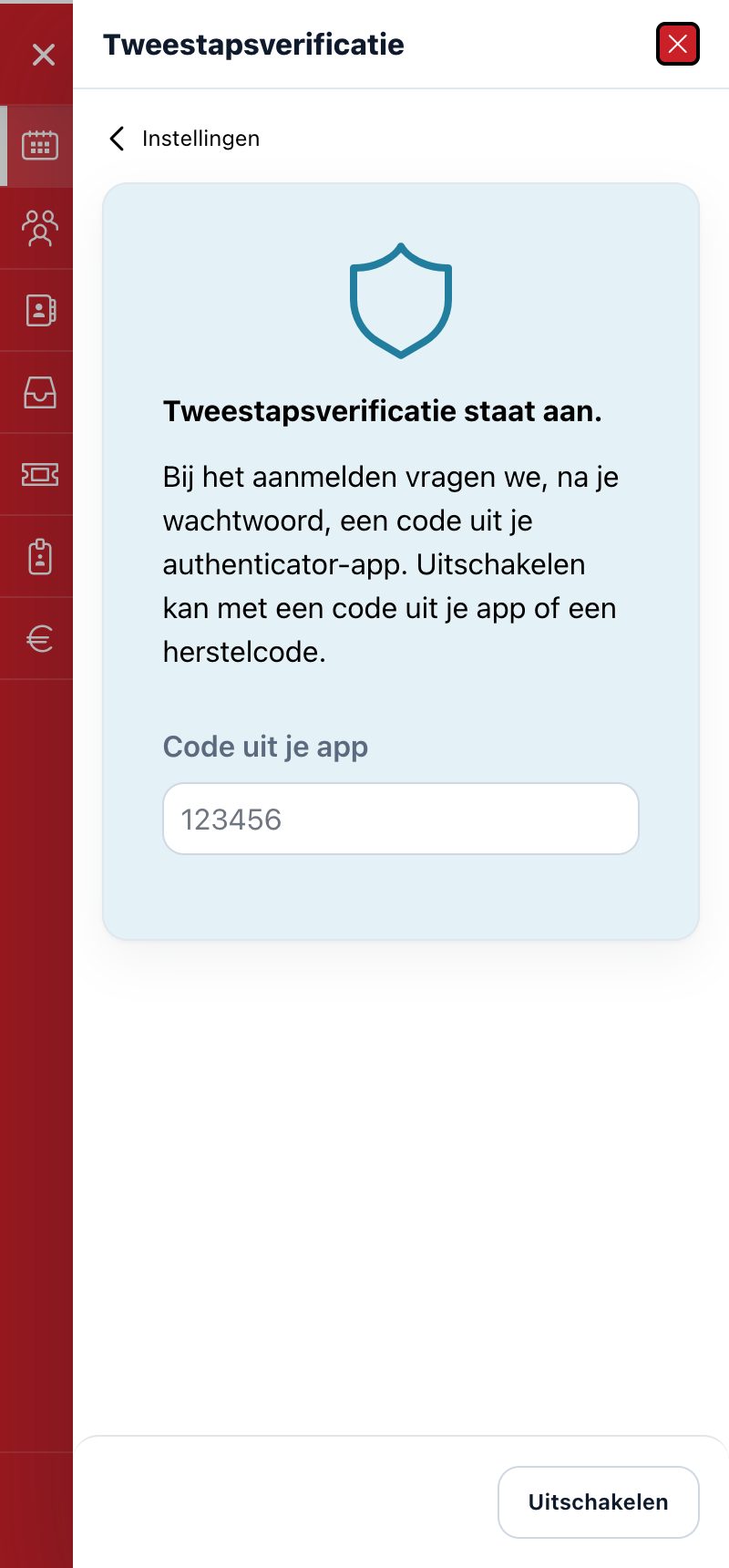
With two-step verification the app asks, when you sign in, after your password, for a 6-digit code from an authenticator app on your phone (e.g. Google Authenticator or Microsoft Authenticator). That way nobody can sign in with just your password. It is optional.
Switch on
- Go to Settings > Two-factor authentication.
- On a computer you scan the QR code with your authenticator app. On your phone you copy the key and paste it into the app.
- Enter the 6-digit code from the app and confirm.
- You receive recovery codes. Keep them in a safe place: each code works once, if you have lost your phone. You only see them once.
Sign in
After your password you enter the code from your app. Lost your device? Use a recovery code. After five wrong codes you have to wait a quarter of an hour.
If you leave Remember this device for 30 days ticked, the app won't ask for a code on that device for 30 days. On a shared computer or tablet you untick this. If you switch off two-step verification, the app forgets all your remembered devices.
Switching off
Go to Settings > Two-factor authentication and switch off with a code from your app or a recovery code.
Forgot password
On the sign-in screen, tap Forgot password and enter your e-mail address or login. If the account exists, you receive a mail with a link to set a new password. To prevent abuse, the app doesn't say whether an account exists, and mails are not sent without limit.
Did this answer your question?